Your files remain the foundation.
Projects are ordinary local folders with readable notes and small data files for the structure you approve.
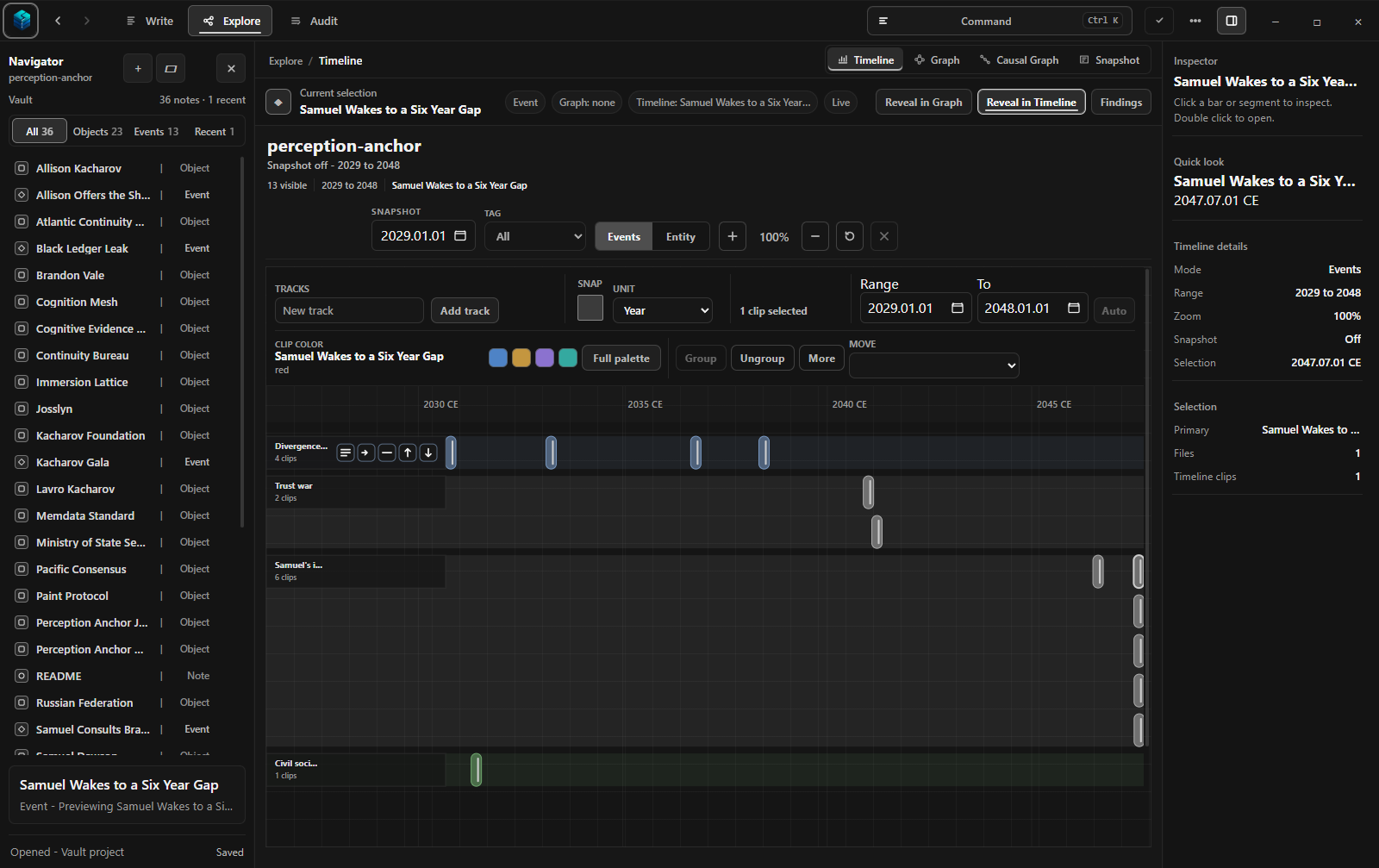
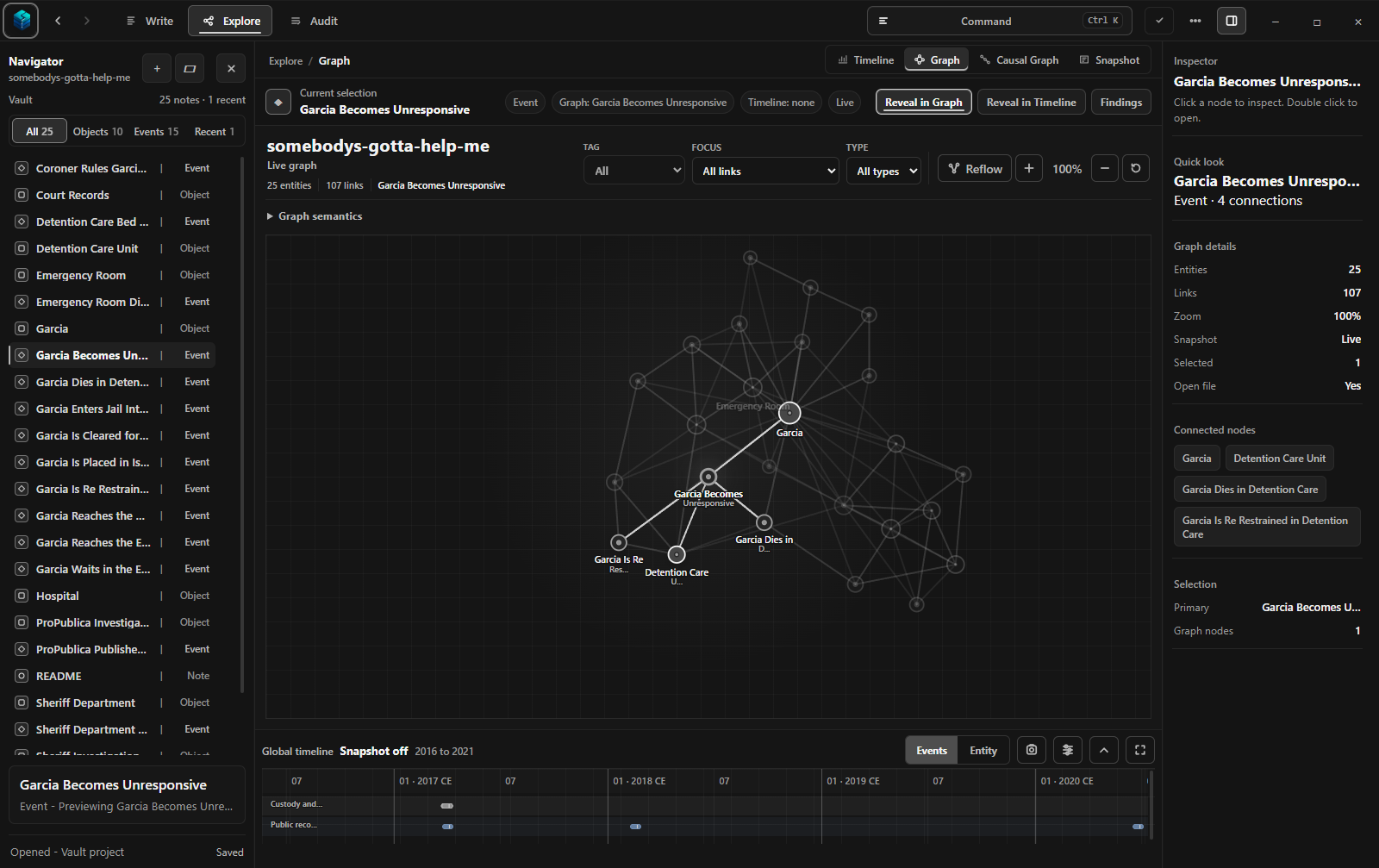
Write in ordinary Markdown. Review the people, events, dates, and changing facts Chronal finds—then explore them as a timeline or graph without losing the source.
Start with the workflow, not the terminology.
Greyhaven Demo · 19-second product walkthrough
Stories, investigations, research, and long-running notes accumulate revisions, conflicting accounts, decisions, and consequences. Search can find a phrase. It cannot tell you which answer was true on a particular date or why it changed.
Chronal leaves prose readable and puts structured changes through review. You stay in control of what becomes part of the project.
Keep notes, scenes, records, and research in ordinary Markdown files inside a local folder.
Inspect proposed facts, dates, events, and relationships. Revise, accept, or reject each change.
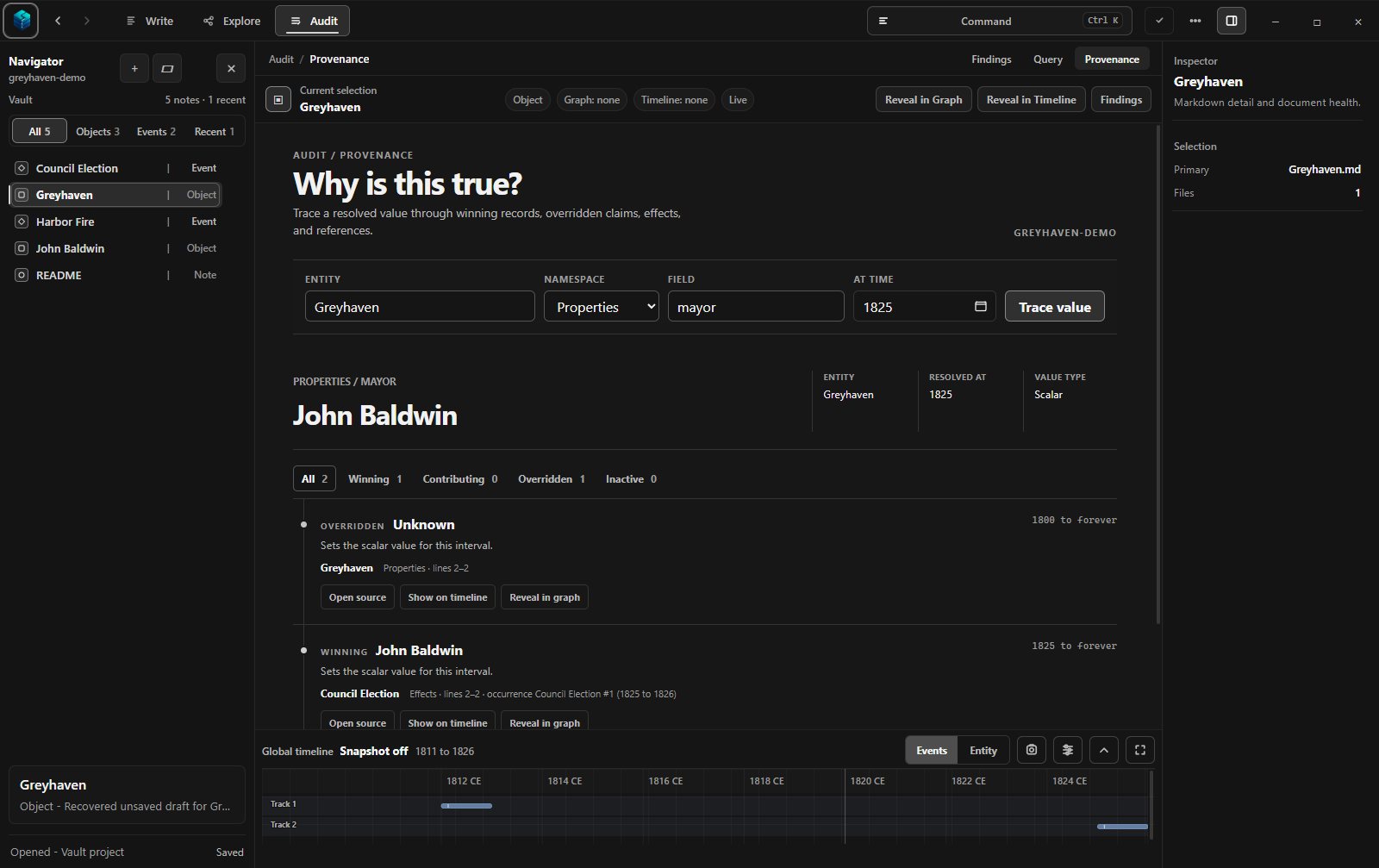
Move through time, follow the graph, and trace every answer back to the prose that supports it.
Chronal makes change explorable whether you are maintaining a fictional world, reconstructing events, or keeping years of connected notes coherent.
Local AI is always local, always reviewable, and always optional. Chronal’s core writing, timeline, graph, and source-tracing workflows do not require a model.
Read the AI and agent boundariesProjects are ordinary local folders with readable notes and small data files for the structure you approve.
Suggestions remain proposals until you review them. Editing the prose stays normal authoring.
See the source, the applicable time, and the earlier information a newer fact replaced.
Follow the Greyhaven workflow from ordinary writing to a time-aware answer with its source still attached.