Dates and ranges
Understand a single date, a span of time, and the order in which events happened.
Chronal Engine reads the facts and events you approved, calculates what was true at a chosen time, checks the project for problems, and shows which source supports the result.
You keep writing normal notes. The Engine handles time-aware calculations only for the facts, events, and relationships you choose to track.
Understand a single date, a span of time, and the order in which events happened.
Apply approved events to work out which roles, locations, conditions, and relationships were true at a chosen time.
Keep a person or character’s knowledge separate from facts the project treats as globally true.
Keep explicit claims about what caused an event separate from ordinary links between related records.
Show which source supports an answer, which records also contributed, and which earlier information was replaced.
Find malformed or contradictory data and show enough context for you to inspect it safely.
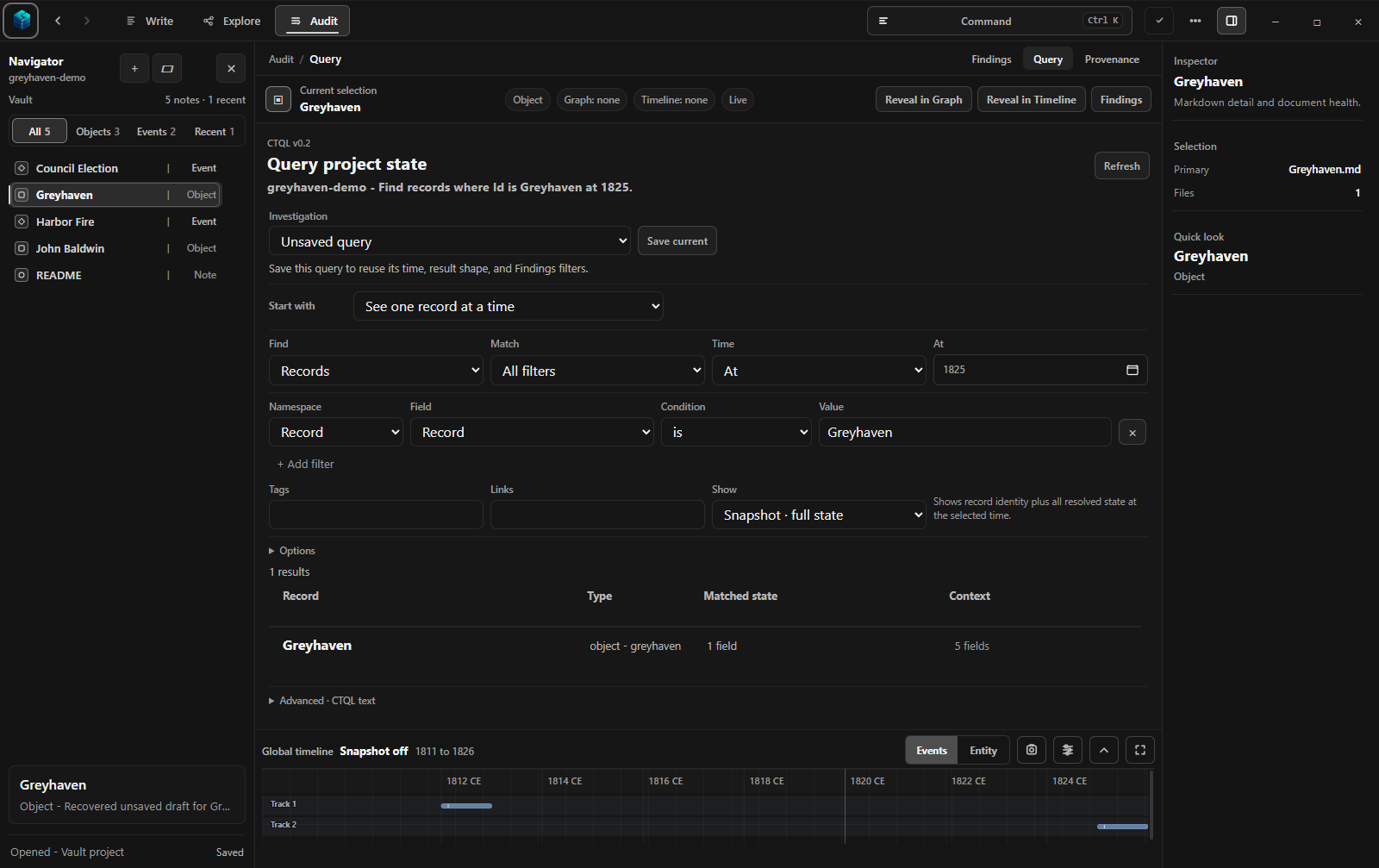
Start with a guided question. For more control, Chronal Query Language (CTQL) is an optional text format for writing a precise question.
The Engine calculates the answer from dated events and approved facts. It does not simply search the newest note for matching words.
Greyhaven's approved facts calculated for 1825
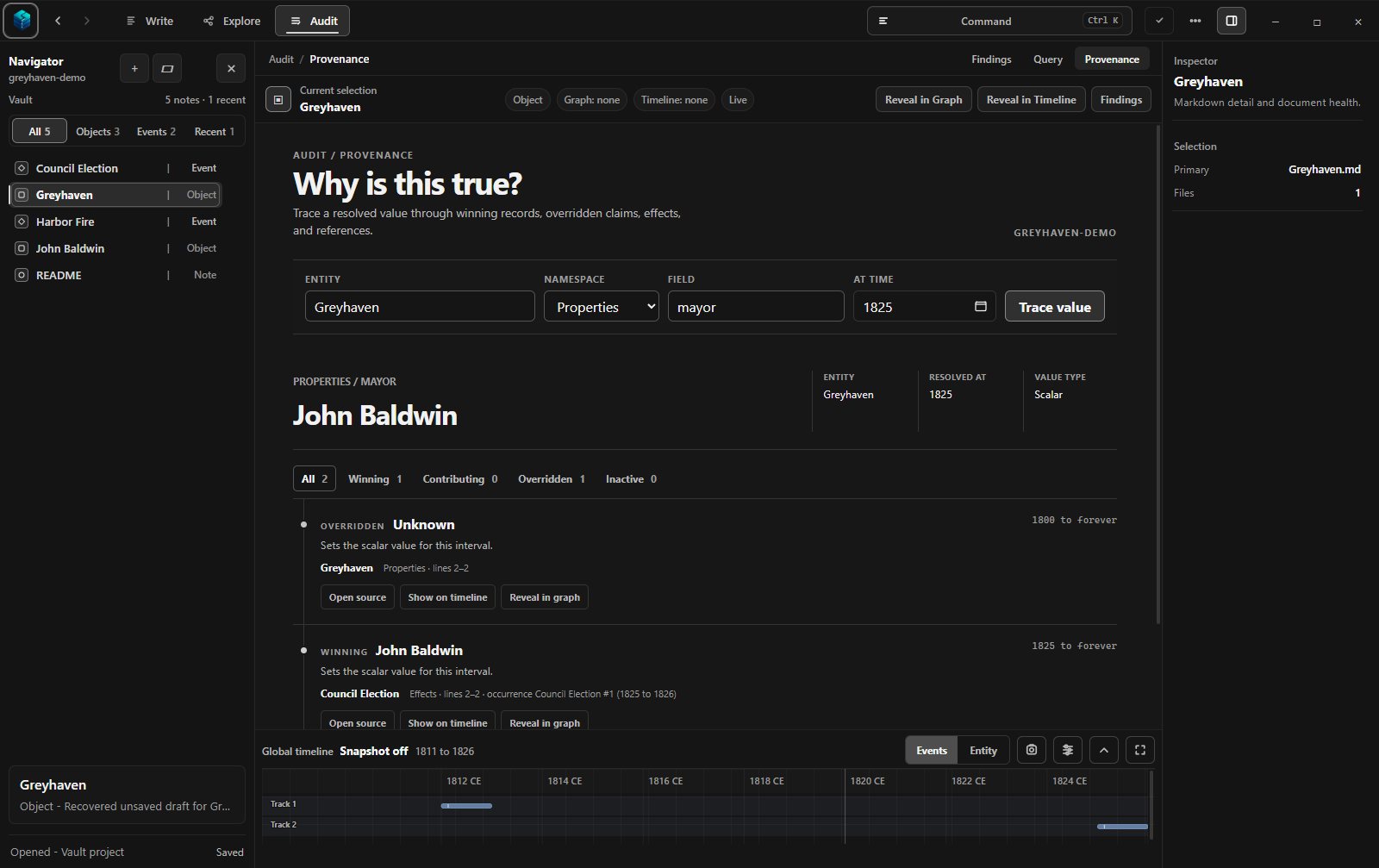
The answer, its supporting source, and the earlier record it replaced
Chronal calls this provenance: the history that explains where an answer came from and why it applies at the selected time.
Studio shows that history visually, including the supporting source, the dates for which it applies, and the earlier information it replaced.
Model Context Protocol (MCP) is a standard connection that lets an AI agent call Chronal tools for reading, questioning, and changing a project. It is separate from Chronal's built-in local AI.
Chronal Settings provides guided setup for Codex and Claude Desktop, plus manual configuration for other compatible MCP clients.
Instead of guessing how project files work, a connected agent can use the same Engine-backed operations as Studio. Changes still pass through Chronal's revision and validation safeguards.
Do not set it up—or remove it later—and Studio continues to work normally. An outside agent may send project content to its own provider, so review that agent's privacy terms before connecting it.
Command-line interface (CLI): a separate terminal tool for scripts and advanced automation. It is also optional.
The Engine works with readable notes and small data files inside the folder you control.
Changes proposed by local AI or an outside agent remain distinct from the facts and events you approve.
Studio, the terminal tool, and connected agents all ask the same Engine to interpret dates, facts, events, and source history.
Chronal Studio is coming soon. Explore how Greyhaven Demo turns a point-in-time question into an answer with a supporting source.